

Last updated: 20 November 2026 · Written by Nouman Sajjad, Founder, Anchor Web Agency
A website not working is rarely a mystery: most problems trace back to a lapsed domain or certificate, a plugin update or photos several megabytes each.
These 12 fixes run from the quickest checks to the deeper ones, drawing on our 10+ years building WordPress sites for small businesses. Note the exact error first, such as a 503 message, verify each step and judge the urgency: a slow contact page and a dead checkout are different emergencies.

Why Is My Website Not Working?
A website usually stops working for one of five reasons: the problem is only on your device or connection, the domain or SSL certificate has expired, the hosting server is down or overloaded, a plugin or update has broken the code, or the site has been hacked. A slow site usually comes down to heavy images, too many scripts or underpowered hosting.
A site inaccessible to everyone points to the server or domain; one that fails only for you points to your browser or network. A 500 error is a catch-all status code: it says the server failed, not why.
| Symptom | Likely cause | Try first |
|---|---|---|
| “Server not found” | Domain expired or DNS wrong | Fixes 4 and 6 |
| “Your connection is not private” | SSL certificate expired | Fix 5 |
| 500 error, white screen or blank screen | Plugin, theme or code fault | Fix 8 |
| 502 or 503 error | Hosting down or overloaded | Fix 7 |
| Website and email stop together | Domain not renewed | Fix 4 |
| Works on 4G, not on your office network | Your network or browser | Fixes 2 and 3 |
| Pages load slowly | Images, scripts or hosting | Fixes 11 and 12 |
1. Is the Website Down for Everyone or Just You?
The quickest way to tell whether a website is down for everyone is a free online checker tool, which tests the site from outside your building.
If the checker says the site is up, the fault sits with your router, internet provider or browser extensions. If it says the site is down, open your hosting provider’s status page first. A posted incident means the fix is on their side.
2. Is It Your Network, Phone or Browser?
When a site fails only for you, test it on different devices and connections before touching the website itself.
- Open it on mobile data. Disconnect your phone from the office network and reload.
- Try a private window. It ignores most stored cookies and add-ons.
- Do a hard refresh. Press Ctrl+F5 on Windows or Shift+Command+R in Chrome or Firefox on a Mac; in Safari, empty the cache with Option+Command+E, then reload.
- Ask someone in another town. One text tells you whether the problem is local.
If everything works except your own computer, the website is fine.
3. Could an Old Saved Copy Be Hiding Your Changes?
Old saved copies of pages often make a working website look broken, especially just after an edit.
Your browser and any WordPress caching plugin both store pages, so after an edit, clear the plugin’s cache from its settings screen. On the visitor’s side, content blockers can hide forms, maps or booking widgets, so if one customer reports a missing form that loads worldwide for everyone else, ask them to pause the blocker. If your whole wifi network struggles, restart the router before calling anyone.
4. Has Your Domain Name Expired?
An expired domain name takes your website and business email offline at the same time, so if both stopped together, check the domain first.
Renewal notices can end up with a former web designer. Log in to the domain account, find the expired date and renew straight away; the site usually returns within a few hours. Then check the DNS records still point to your host, the site loads on HTTPS, and the domain is in your business’s name.
5. Is Your Site Showing a “Not Private” Warning?
A full-page “Your connection is not private” warning usually means the website’s SSL certificate has expired or was never set up for that address.
Few visitors click past browser warnings. Renew the certificate in your hosting panel or ask the person who maintains it; it usually takes minutes. To prevent a repeat, switch on automatic renewals, put the renewal dates in a shared calendar and send every reminder to an inbox someone reads.
6. Have Your DNS Settings Changed?
A site that broke straight after a host move or email set-up often has wrong DNS settings, which send visitors to the wrong server or nowhere.
DNS connects your domain to your hosting. It is managed at your registrar or host, and one typo in a record can break the website or email. Typing ping and your domain in Terminal or Command Prompt shows whether the server answers; request timed out is worth reporting to your host. Networks keep cached copies of old records, so a careless edit lingers.
7. Is Your Hosting Down, Full or Overloaded?
Hosting problems show up as 502 or 503 errors, a slow response time or crashes at busy moments, and the fix usually sits with your host.
Ask your host about incidents, account limits and server configuration changes; out-of-memory errors also end in server errors. If Cloudflare sits in front of the site, check its dashboard too, because it stands between visitors and your server’s IP address.
Your host usually handles SSL as well. Free Let’s Encrypt certificates last 90 days, and Let’s Encrypt recommends renewing every 60 days, so a broken auto-renewal soon shows. Outages from a DDoS attack can’t always be avoided, but a ready holding page with your phone number limits lost sales.
8. Did a Plugin, Theme or Update Break the Site?
A plugin or theme update is the first thing to suspect when a WordPress site goes blank or shows an error straight after changes.
- Note what changed. Check updates that ran overnight first.
- Deactivate plugins. The WordPress documentation suggests deactivating them all, then reactivating one by one.
- Switch to a default theme. This rules the theme in or out.
- Read the error logs. They show the failing file, memory limits, a misconfigured setting or wrong file permissions.
- Restore if needed. Restore last night’s backup of files and database.
“Error establishing a database connection” points to the login details in wp-config.php. Don’t switch updates off: security patches arrive that way.
9. Has the Website Been Hacked or Attacked?
A hacked website usually shows itself through visitors sent to strange sites, unfamiliar pages or Google warnings, rather than going offline.
Hacks are a minority of outages. An attack can look like a traffic spike: fake visits cause server overload, pushing CPU and bandwidth past your plan’s limits. A padlock in the address bar only means the connection is encrypted, not that the site is clean. If you suspect a hack, change every password and ask your host to scan the account.
10. Can You Roll Back to a Clean Copy?
Restoring a backup taken before the problem started is often the quickest fix for a website that broke after a change.
After malware, pick a copy from before any content nobody added appeared. Backups fail quietly when the server runs out of disk space; an early sign is that forms stop sending and images won’t upload in the same week.
Test plugins, theme updates and PHP compatibility on a staging copy, and roll back anything that breaks. Clean up post revisions and transients only after a backup, keep your latest backup somewhere you can reach, or see what website maintenance costs.
11. Why Is My Website So Slow?
A slow website is usually caused by heavy images, too many scripts or weak hosting, and measuring is the only way to know which.
Run key pages through PageSpeed Insights for a baseline; where traffic allows, it shows real-user data for the Core Web Vitals. Google’s web.dev guidance rates an LCP within 2.5 seconds, an INP of 200 milliseconds or less and a CLS of 0.1 or less as good.
Change one thing at a time: removing a plugin, shrinking images and leaving crowded shared hosting in one go hides the actual cause; a process of elimination shows what worked. Slow pages lose enquiries, so start with oversized images.
12. Is the Site Slow or Broken Only on Phones?
A site that works on a desktop but struggles on phones is usually downloading more than a phone on a mobile network handles quickly.
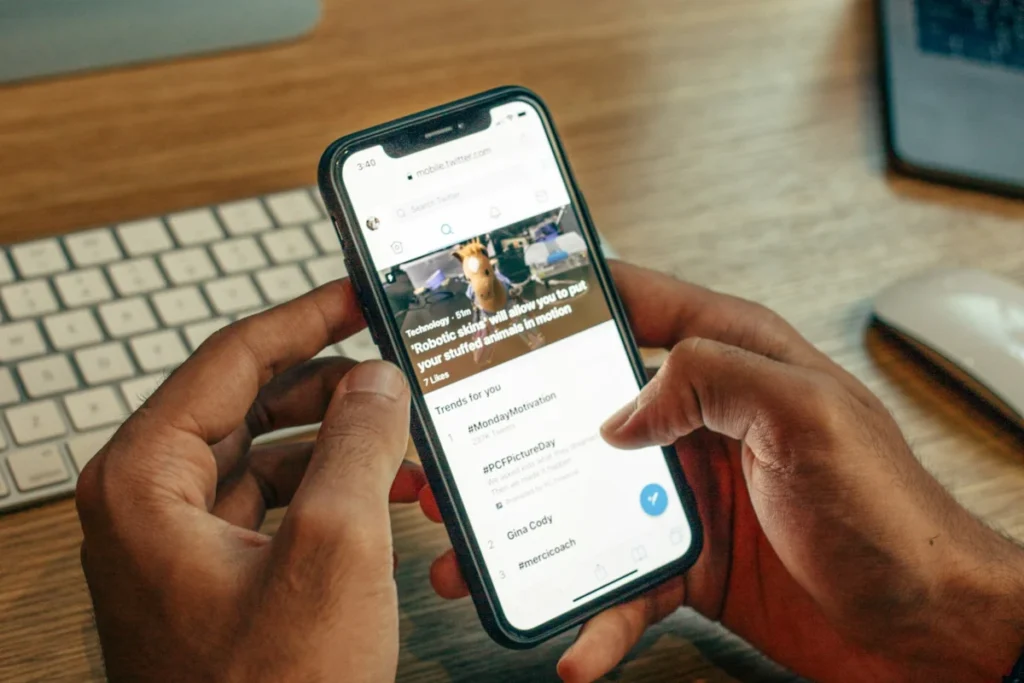
Resize phone photos, compress them and save them as WebP, then use lazy loading below the top of the page, never for the main image. JavaScript adds weight: sliders, pop-ups, live chat widgets and tracking tags run on every visit, so keep only those that bring in work. A CDN serves files from nearer servers. Test on a real phone and an iPad. Whatever your platform, these small business website examples show what simple, fast pages look like.
Who Should You Call When Your Website Is Down?
Call your domain company if the website and email are both down, your host if only the website is down, and whoever maintains the site if it broke after a change.
Avoid guesswork: panic DNS edits can take hours to undo, and deleted files may have held the site together. Developers undo code with version control; small sites rely on backups. An expired card can stop auto-renewal unnoticed, and a lapsed domain can enter a redemption period where recovery costs more.
Downtime hurts more when you pay for traffic. Prestige Painting Solutions, a Manchester decorator we built a website for, got 81 leads in 12 weeks from Google Ads at £23.97 per lead, and every click landed on the website. Our website maintenance plans cover hosting, security and backups from £29 a month, protecting that engagement.
Website Not Working: Frequently Asked Questions
What does “internal server error” mean on a website?
An internal server error (HTTP 500) means the server hit a problem it could not name. MDN lists causes such as improper server configuration, running out of memory and wrong file permissions. On WordPress, the official documentation suggests renaming the .htaccess file, deactivating plugins by renaming the wp-content/plugins folder and increasing the PHP memory limit.
Why is my website not working on my phone?
A website that fails only on a phone is usually affected by old cached data, an out-of-date browser or the connection. On an iPhone or iPad, go to Settings → Safari → Clear History and Website Data, then retry on mobile data instead of wifi, and update your browser. If buttons jump as you tap, that layout shift is a design fault, not your smartphone.
Is there a free website not working checker?
Yes, free checkers such as downforeveryoneorjustme.com and Website Planet test a site from outside your network and show whether it responds. If the site looks up but customers still report problems, check for redirects to other domains or an error on one page.
Will my Google rankings drop if my website is down?
A short outage is unlikely to hurt your search rankings, but server errors that last for days can cost you pages in Google. Google’s documentation says 5xx errors make its crawlers slow down, and indexed URLs are kept at first but eventually dropped. Once you’re back, check Search Console, ask Google to crawl key pages and run our on-page SEO checklist. Keeping five details written down (registrar, host, platform, maintainer and backup location) helps stop a fault dragging on for a week.
Need Help Getting Your Website Working Again?
If your site keeps breaking or stays slow, a rebuild can cost less than more patches. Our web design services start from £499 (see our pricing), and our web design Birmingham team works with small businesses across the UK. Send us your address and the error: we reply on WhatsApp within minutes and by email within 24 hours, Monday to Saturday, 08:00–20:00.